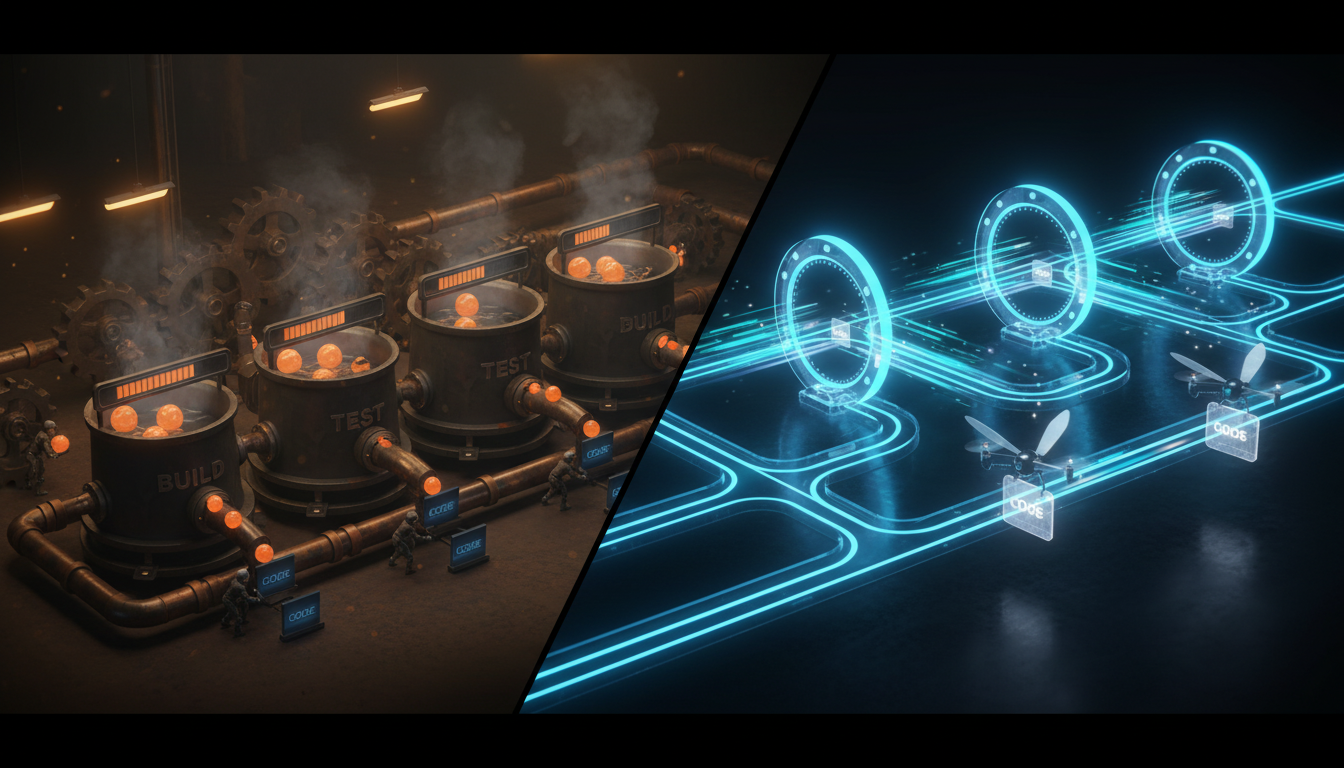
A Practical Guide: Set Up a dbt CI/CD Pipeline with Slim Build Mode for 10x Faster Builds

17 minutes to read
Get free consultation


If your analytics team is waiting too long for dbt CI jobs to finish, it can stall developer productivity significantly. Long pull request checks—whether 30, 45, or even 60 minutes—create a slow feedback loop that delays insights, increases compute costs, and frustrates engineers. Imagine shrinking those run times by over 90%.

dbt’s Slim CI (or Slim Build mode) is designed to build and test only what has changed. Instead of running your entire dbt project with every commit, Slim CI smartly detects the modified models and their downstream dependencies, saving you precious time and resources.

In this practical guide, we will explain how dbt Slim CI works and provide a step-by-step playbook to implement a production-ready pipeline using GitHub Actions. You will learn not only how to set it up but also how to implement it properly—a core principle in our dbt development workflows. At Stellans, we help enterprise teams perfect this process, and now we are sharing our playbook with you.


What is dbt Slim CI and Why Should You Care?

dbt Slim CI applies the core principles of Continuous Integration specifically for analytics engineering. It transforms your CI/CD pipeline into a precise, efficient instrument.

From Full Builds to Smart Builds

Think about your dbt project as a 500-page book. Traditional CI is like proofreading the entire book from cover to cover every time a typo is corrected. Although thorough, it’s highly inefficient.

dbt Slim CI is smarter. It recognizes changes in just one word in Chapter 5. Rather than rereading the whole book, it focuses on that chapter and any chapters referencing it. This is the heart of Slim CI: it uses a feature called state comparison (state:modified+) to identify the small subset of changed models and their dependent models. This creates a build process that’s faster, more economical, and focused.

The Core Benefits: Speed, Cost, and Confidence

Slim CI is a strategic upgrade that brings clear business benefits. At Stellans, clients have often reduced CI times by more than 90%, gaining:

The Mechanics of a dbt Slim CI Pipeline

To run Slim CI effectively, you need to understand three key components working together to allow dbt to compare states and build models intelligently.

Key Components You Need to Understand

Step-by-Step Guide: Configuring a Slim CI Pipeline with GitHub Actions

Now it’s time to apply the theory. Below is our production-ready playbook for setting up a dbt Slim CI pipeline with GitHub Actions.

Prerequisites

Step 1: Generate and Store Your Production Manifest

Modify your main production dbt job to save its manifest file to cloud storage after every successful run.

Here is an example GitHub Actions workflow snippet that runs daily, builds the project, and uploads the manifest to an S3 bucket.

# .github/workflows/dbt_production_run.yml
name: dbt Production Run

on:
  schedule:
    - cron: '0 8 * * *' # Runs daily at 8 AM UTC

jobs:
  run_dbt_and_upload_manifest:
    runs-on: ubuntu-latest
    steps:
      - uses: actions/checkout@v3

      - name: Configure AWS Credentials
        uses: aws-actions/configure-aws-credentials@v2
        with:
          aws-access-key-id: ${{ secrets.AWS_ACCESS_KEY_ID }}
          aws-secret-access-key: ${{ secrets.AWS_SECRET_ACCESS_KEY }}
          aws-region: us-east-1

      - name: Setup dbt
        # Add your dbt setup steps here (e.g., install dependencies)
        run: |
          pip install dbt-snowflake
          dbt deps

      - name: Run dbt Build
        run: dbt build --profiles-dir .

      - name: Upload manifest.json to S3
        run: |
          aws s3 cp target/manifest.json s3://${{ secrets.S3_BUCKET }}/artifacts/manifest.json

Step 2: Configure Your CI Job to Use the Manifest

Create a new workflow that triggers on pull requests. This job downloads the production manifest and runs a slim build.

Here is a complete GitHub Actions YAML template ready to use.

# .github/workflows/dbt_slim_ci.yml
name: dbt Slim CI

on:
  pull_request:
    branches:
      - main

jobs:
  run_slim_ci:
    runs-on: ubuntu-latest

    steps:
      - uses: actions/checkout@v3

      - name: Configure AWS Credentials
        uses: aws-actions/configure-aws-credentials@v2
        with:
          aws-access-key-id: ${{ secrets.AWS_ACCESS_KEY_ID }}
          aws-secret-access-key: ${{ secrets.AWS_SECRET_ACCESS_KEY }}
          aws-region: us-east-1

      - name: Create directory for production artifacts
        run: mkdir -p prod_artifacts

      - name: Download Production manifest.json
        run: |
          aws s3 cp s3://${{ secrets.S3_BUCKET }}/artifacts/manifest.json prod_artifacts/manifest.json

      - name: Setup dbt
        run: |
          pip install dbt-snowflake sqlfluff
          dbt deps

      - name: Lint SQL files with SQLFluff
        run: |
          sqlfluff lint models

      - name: The Magic Command - Run Slim CI Build
        # This command builds only the modified models and their children
        run: |
          dbt build --select state:modified+ --defer --state ./prod_artifacts --profiles-dir .

This workflow does several important things:

For detailed technical information, see the official dbt documentation.

Advanced Optimization: Leveraging the --empty Flag and Beyond

Starting with dbt v1.8, you can use the –empty flag for extra optimization.

What is the –empty Flag?

This flag allows a dbt command to succeed with a warning (instead of error) if selectors find no models to run.

Why Use It in CI?

If a developer changes only a README or comments in a .yml file, state:modified+ may return no models to build. Without –empty, dbt build would fail, causing the CI job to fail unnecessarily.

This is excellent for governance-only jobs that check for changes before running builds.

Example command:

dbt ls –select state:modified+ –empty

If models are found, the build continues. If none are found, the job passes with a warning and saves time.

The Stellans Advantage: Moving from DIY to Enterprise-Ready

Setting up a basic Slim CI pipeline is a significant improvement. But as organizations grow, managing such solutions manually can become challenging. Issues like artifact versioning, stale manifests if production jobs fail, and monitoring CI performance arise.

These common challenges include:

Instead of spending valuable engineering time on complex CI scripts, we offer a better solution. Our Stellans Analytics CI/CD Optimization service provides managed, production-ready CI/CD pipelines for dbt projects. We deliver battle-tested pipelines with governance, observability dashboards, and expert support for edge cases.

If you’re tired of complexity, schedule a demo to see how Stellans can optimize your dbt workflows in days, not months.

Conclusion

For any analytics team serious about scaling dbt projects, implementing Slim CI is essential, not just optional. By shifting from full builds to intelligent state-based builds, you create a highly efficient development lifecycle.

The main takeaways:

Follow these steps to reclaim lost time and empower your team to deliver real value from data.

Frequently Asked Questions

What is dbt Slim CI and how does it work?

dbt Slim CI builds and tests only modified dbt models and their dependencies, not the entire project. It compares the current pull request state to a production manifest to identify exactly what needs validation, resulting in faster, cheaper CI jobs.

What are the benefits of using dbt slim build in CI?

The main benefits include a dramatic reduction in CI job duration (often over 90%), lower compute costs from processing fewer models, and a faster feedback loop that boosts developer productivity and confidence.

How do you configure GitHub Actions to use dbt slim CI?

Configure a workflow that triggers on pull requests. Key steps:

This instructs dbt to build only modified models by comparing with production state.

Article By:

https://stellans.io/wp-content/uploads/2024/09/DavidStellans2-1-2.png
David Ashirov

Co-founder and CTO of Stellans

Related Posts

    Get a Free Data Audit

    * You can attach up to 3 files, each up to 3MB, in doc, docx, pdf, ppt, or pptx format.