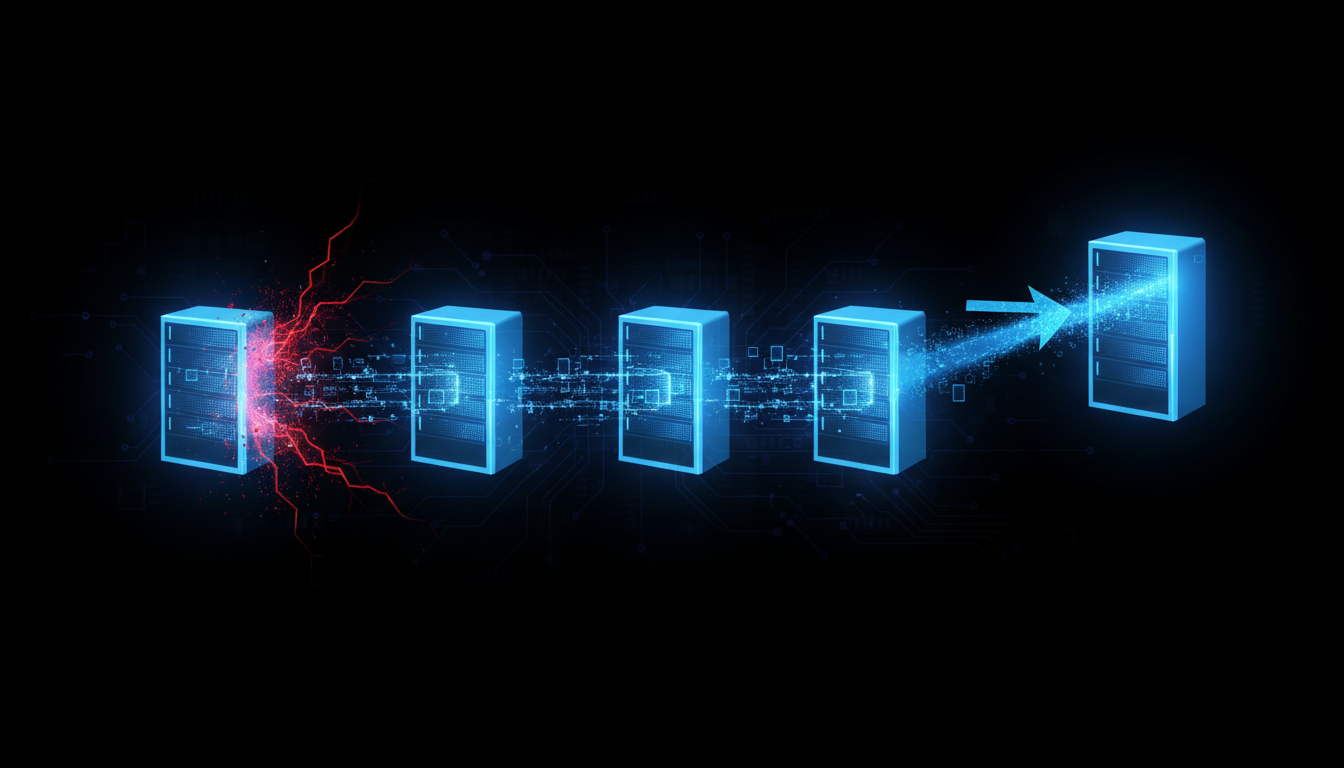
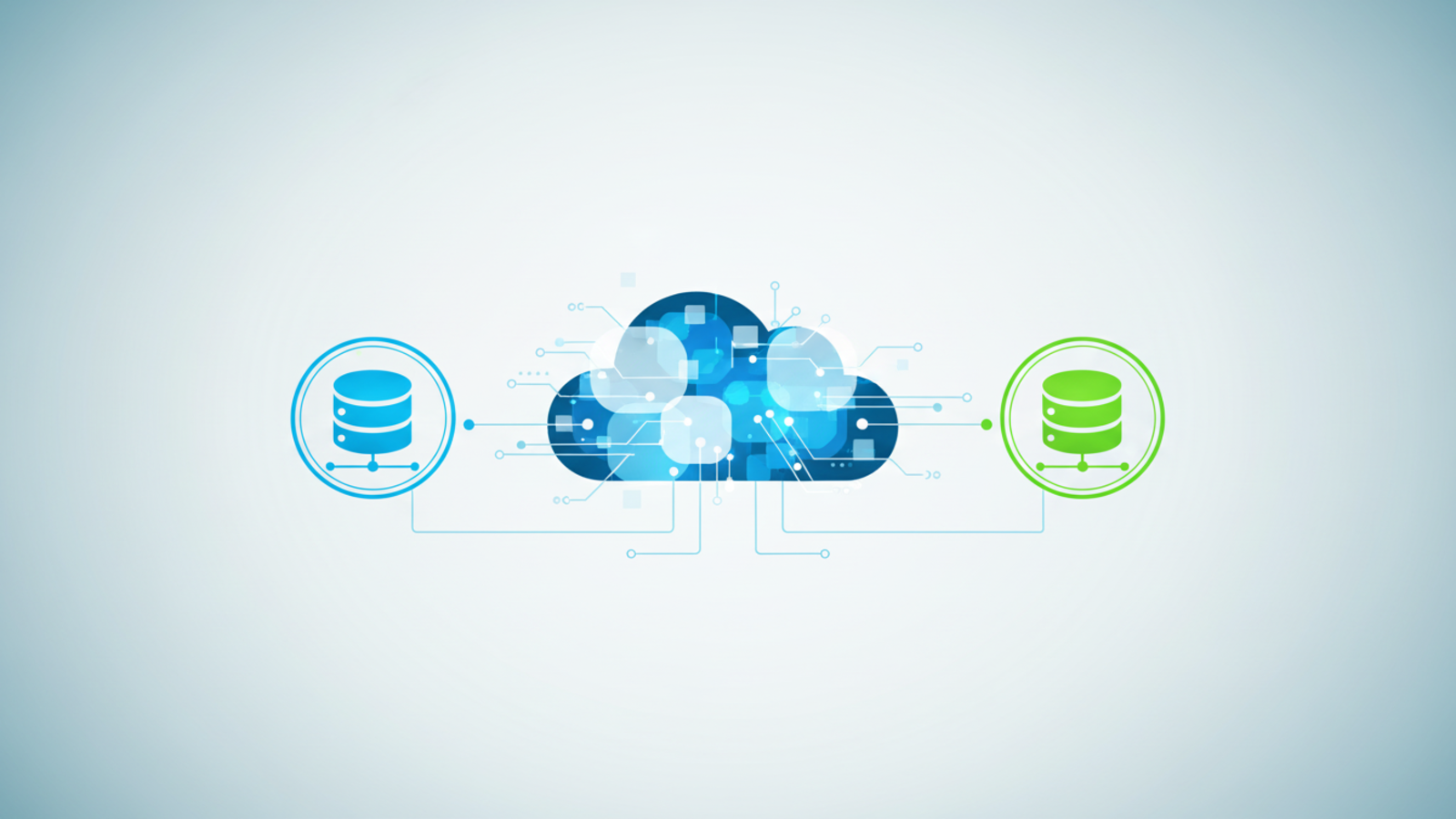
Snowflake offers a robust feature set specifically designed for business continuity. Combining them creates a comprehensive solution for replicating and recovering your entire data ecosystem.
Data and Object Replication: The Foundation
Replication is the cornerstone of any Snowflake DR plan. It creates a read-only, synchronized copy of your data and account objects in another Snowflake account, typically in a separate cloud region. Snowflake covers not only data but your full operational context.
You choose between two types of replication:
- Database Replication: Copies individual databases and their contents.
- Account Replication: A comprehensive option that replicates databases, users, roles, permissions, virtual warehouses, and integration objects like stages and pipes.
For true disaster recovery, account replication is the best practice. It ensures users keep their credentials and permissions during failover, letting automated processes resume with minimal changes. Your replication schedule—say, every 10 minutes—controls your RPO directly.
Failover Groups: Your Orchestration Engine
A Failover Group bundles multiple objects such as databases and shares so you can fail over all at once. This avoids inconsistent states like failing over data but not the matching user roles.
You assign one Snowflake account as primary and another as secondary. The failover group manages replication and failover between them. One command promotes the secondary account to primary, redirecting all activity to the disaster recovery site.
Client Redirect: Ensuring Seamless Application Cutover
Client Redirect is key to achieving low RTO. It provides a stable connection URL for applications, services, and users that automatically points to whichever account is primary.
The biggest advantage is clear: during failover, you never need to update connection strings in client applications. BI tools, ETL pipelines, and custom apps continue working with the same URL, while Client Redirect routes them to the new primary in the DR region. This eliminates manual updates and mistakes during stressful events, cutting your recovery time dramatically. For a detailed overview, visit Snowflake’s Business Continuity and Disaster Recovery.