Once you’ve decided on your latency requirements, the next step is to choose an architecture. There is no one-size-fits-all solution. The right pattern depends on your use case, team expertise, and scalability needs. Here, we compare three modern architectural patterns we frequently implement.
Pattern 1: User-Facing Analytics (The API-led Approach)
This decoupled architecture is the go-to pattern for building performant, customer-facing dashboards and embedded analytics. The core principle is to separate the front-end application from the underlying database with a low-latency API layer. This prevents the dashboard from overwhelming the database with queries and allows each component to be scaled independently.
- Best for: Customer-facing dashboards, in-app analytics, and situations requiring high concurrency.
- Typical Tool Stack: Kafka -> ClickHouse -> Redis (Cache) -> REST API -> Next.js/Tremor.
- How it Works: Data flows from an event stream like Kafka into a real-time database like ClickHouse. A REST API, often with a caching layer like Redis, queries the database and exposes endpoints for the front end. The dashboard, built with a modern framework like Next.js, calls these endpoints to fetch and display data.
Pattern 2: Stream-First Pipelines (Lambda/Kappa)
For use cases demanding high-velocity operational monitoring, stream-first architectures like Lambda or its simpler cousin, Kappa, are ideal. The Kappa architecture, in particular, has gained popularity for its elegance. It unifies real-time and batch processing by treating everything as a stream.
- Best for: High-throughput operational monitoring, IoT analytics, and log analysis.
- Typical Tool Stack: Kafka -> Flink/Spark Streaming -> Real-time DB.
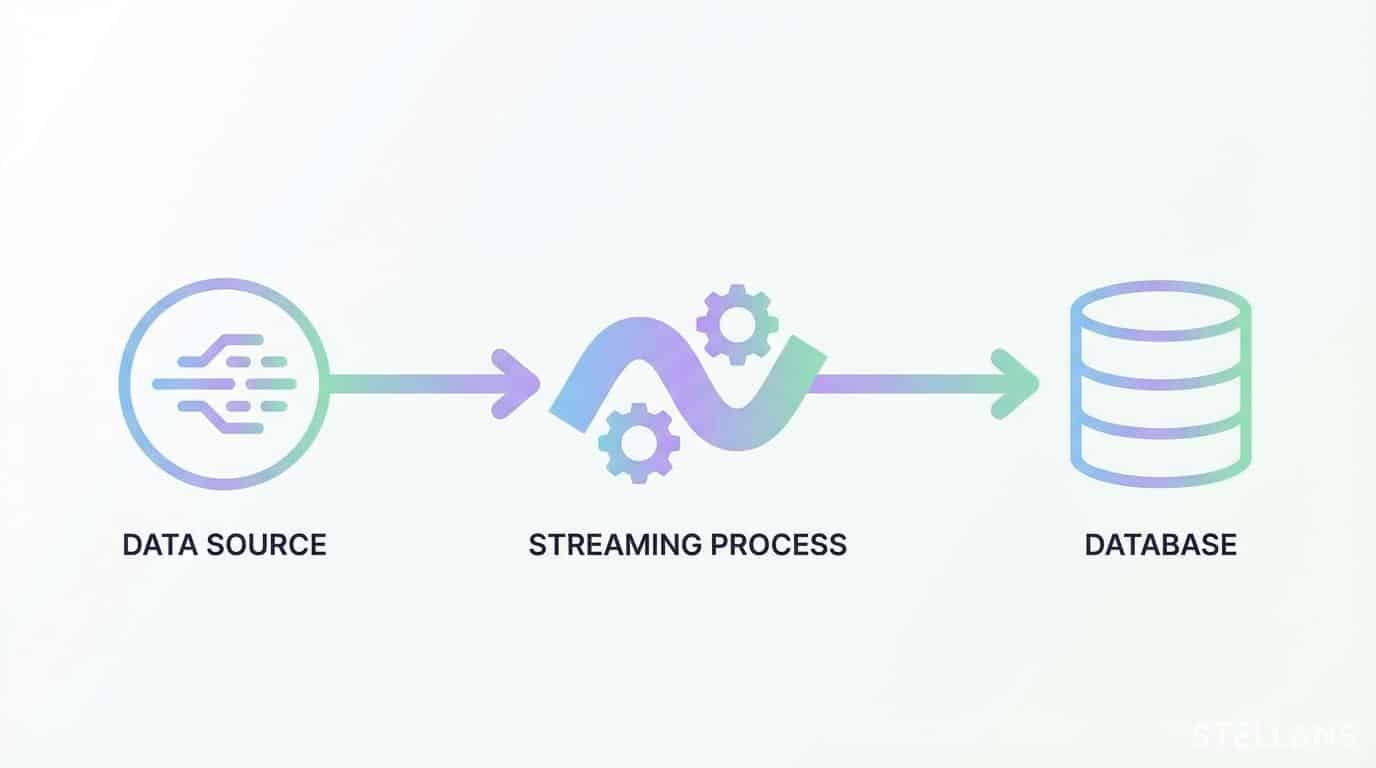
- How it Works: All data is ingested into a single, canonical log like Kafka. A stream processing engine like Apache Flink or Spark Streaming consumes the data, performs transformations, and writes the results to a serving database. The dashboard queries this database directly for insights. This approach ensures data freshness and consistency.
Pattern 3: The Real-Time Data Platform Approach
For teams looking to accelerate development and reduce operational overhead, integrated real-time data platforms offer a compelling alternative. These platforms bundle ingestion, querying, and API exposure into a single, managed solution.
- Best for: Teams prioritizing speed of delivery and wanting to abstract away infrastructure management.
- Tools: Tinybird, Rockset.
- How it Works: These platforms provide a unified environment where you can ingest data from sources like Kafka, write SQL queries to transform it, and publish those queries as scalable API endpoints. While this approach dramatically simplifies development, it’s important to consider the trade-off: you gain speed at the cost of potential vendor lock-in and less architectural flexibility.