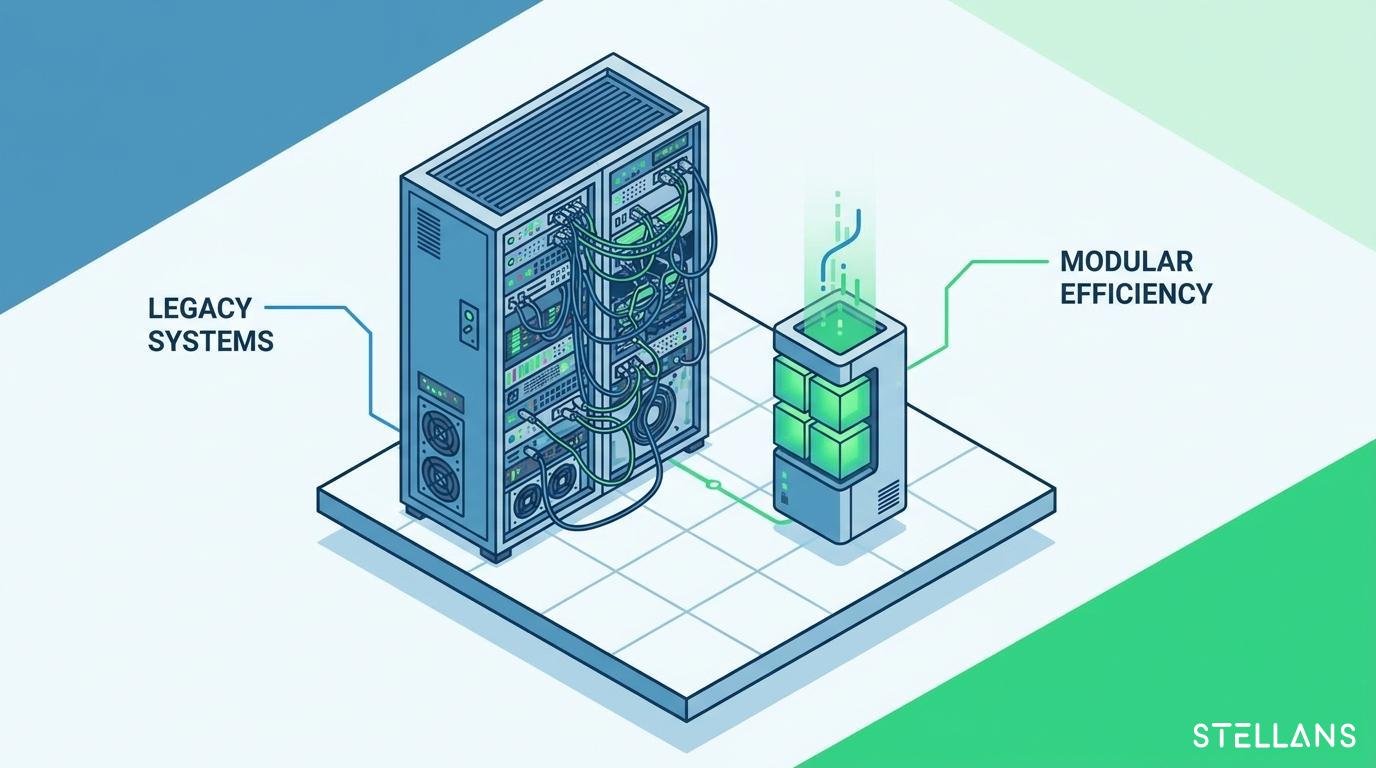
Training a full diffusion model from scratch requires substantial resources. Enterprise teams benefit immensely from a more agile approach. Low-Rank Adaptation (LoRA) provides this agility. LoRA allows you to customize massive AI models using minimal computational resources.
How LoRA Modifies Base Diffusion Models
A standard diffusion model contains billions of mathematical weights. LoRA introduces an incredibly efficient method to customize these weights. LoRA freezes the original base model weights entirely. It introduces new, smaller weight matrices into the U-Net cross-attention layers.
These smaller matrices use low-rank decomposition. They represent the desired visual changes mathematically. During active inference, the system adds the LoRA weights to the frozen base weights. This combination forces the model to generate specific corporate styles or products.
Because LoRA models are small, they are highly portable. A base model might require 6 GB of storage. A custom LoRA model requires only 100 MB. This portability makes dynamic server deployments highly efficient.
Installation Guide and Storage Parameters
Deploying customized LoRA models on dynamic servers benefits from strict architectural discipline. You must manage storage parameters and memory allocation precisely. Follow this installation guide detailing storage parameters for robust server performance.
Step 1: Environment Preparation Your dynamic server requires an optimized operating system environment. We recommend a Linux-based setup running Ubuntu 22.04. Install the latest PyTorch distributions. Ensure your NVIDIA CUDA drivers match your PyTorch version.
Step 2: Base Model Storage Architecture Cache your base diffusion model in persistent GPU VRAM to ensure smooth performance and eliminate latency spikes. Loading models dynamically per request slows down throughput.
- Storage Requirement: 10 GB NVMe SSD space.
- Memory Allocation: 8 GB dedicated VRAM.
- Format: Safetensors (prevents malicious pickle payload execution).
Step 3: LoRA Directory Structuring Organize your LoRA weights in a centralized, easily accessible directory. Your API endpoints will call these files during generation.
- Root Directory:
/models/lora_weights/
- Sub-directories: Organize by department (e.g.,
/marketing/, /product_design/).
- File Format: Strictly enforce the
.safetensors format for all custom LoRAs.
Step 4: Dynamic Weight Injection Loading Mechanism Your inference script must handle LoRA injection dynamically. The script receives the API payload. It identifies the requested LoRA model. It loads the 100 MB file from the NVMe SSD into a temporary VRAM buffer.
The system multiplies the low-rank matrices. It adds them to the cached base model weights. The denoising loop executes. Once the image generates, the system flushes the temporary VRAM buffer. This dynamic loading mechanism allows a single GPU to serve hundreds of different visual styles without restarting.